
Smart Restaurant POS for Modern Businesses
Running a restaurant is more than taking orders—it requires fast billing, accurate inventory tracking, smooth kitchen coordination, and real-time business insights. Ordina Restaurant POS is an advanced Odoo-Based Restaurant POS Software designed to simplify restaurant operations and help businesses grow.
Whether you own a restaurant, café, coffee shop, fast-food outlet, bakery, cloud kitchen, or multi-branch food chain, Ordina provides all the tools you need to manage your business from a single platform.
Fast Billing
Speed up checkout with a responsive touchscreen POS, quick billing, multiple payment methods, and instant receipt generation.
Smart Orders
Manage dine-in, takeaway, delivery, and online orders from one centralized dashboard.
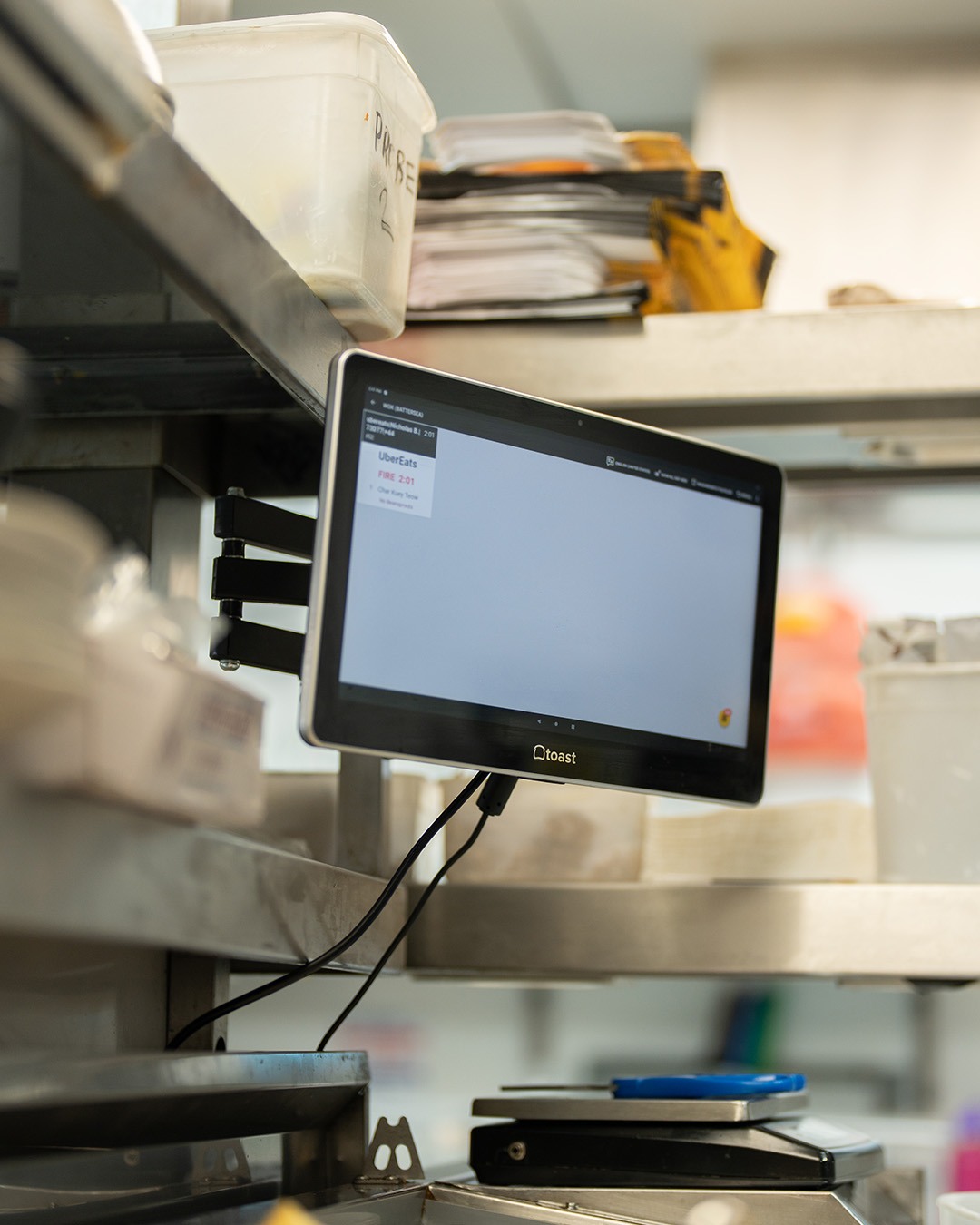
Kitchen Display
Send orders directly to the kitchen, reduce mistakes, and improve preparation time.
Inventory Control
Track ingredients, monitor stock levels, automate purchase planning, and reduce wastage.
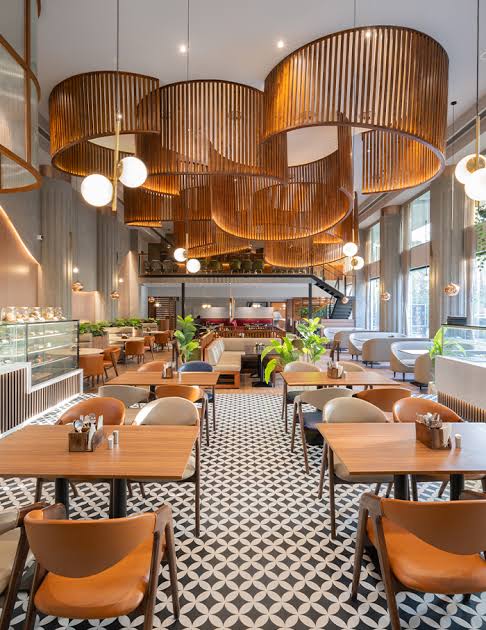

Why Choose Ordina Restaurant POS?
Ordina Restaurant POS helps restaurants automate daily operations through a powerful Odoo-based platform. From billing and table management to inventory and reporting, everything is managed from one intuitive system.
Complete Restaurant Management Software
Ordino helps restaurant owners automate daily operations while improving customer service and increasing profitability
Smart Billing System
Generate invoices within seconds using a fast and intuitive POS interface.
Features include:
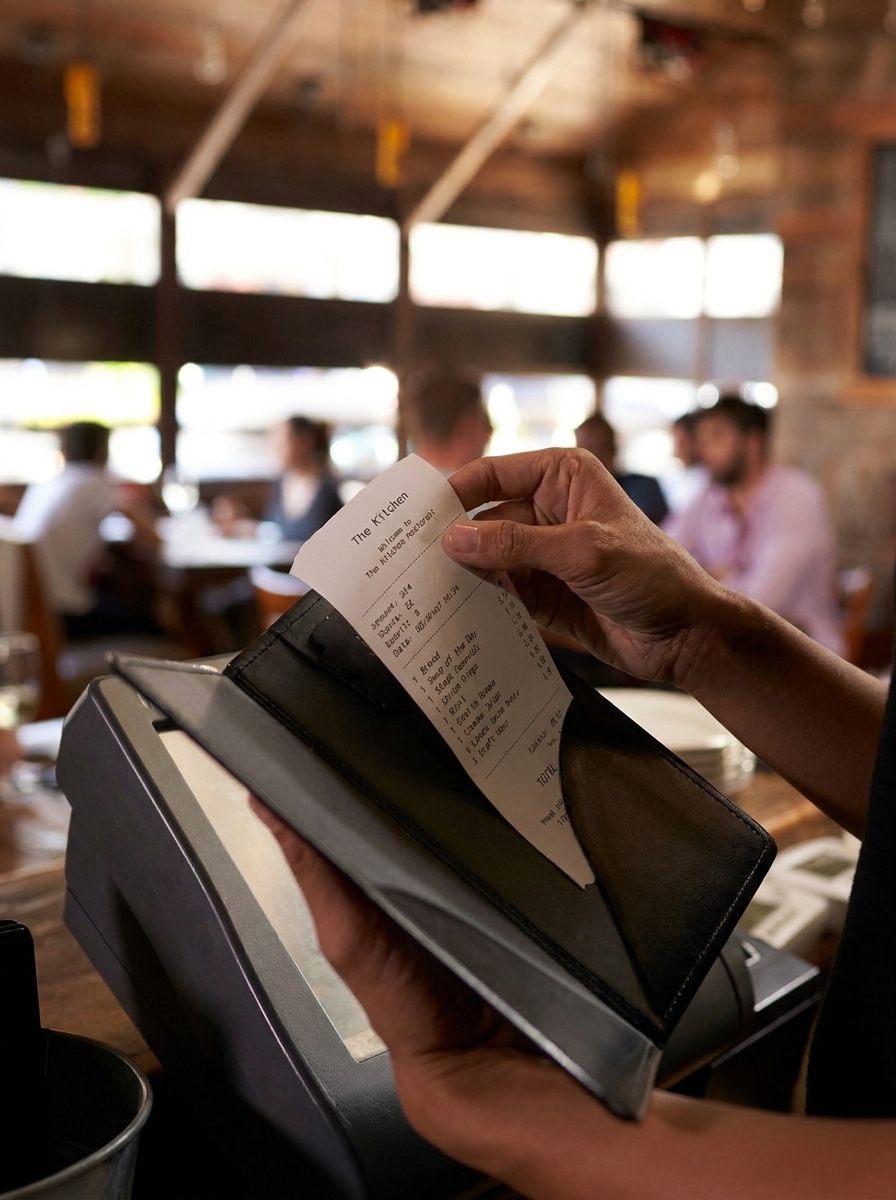
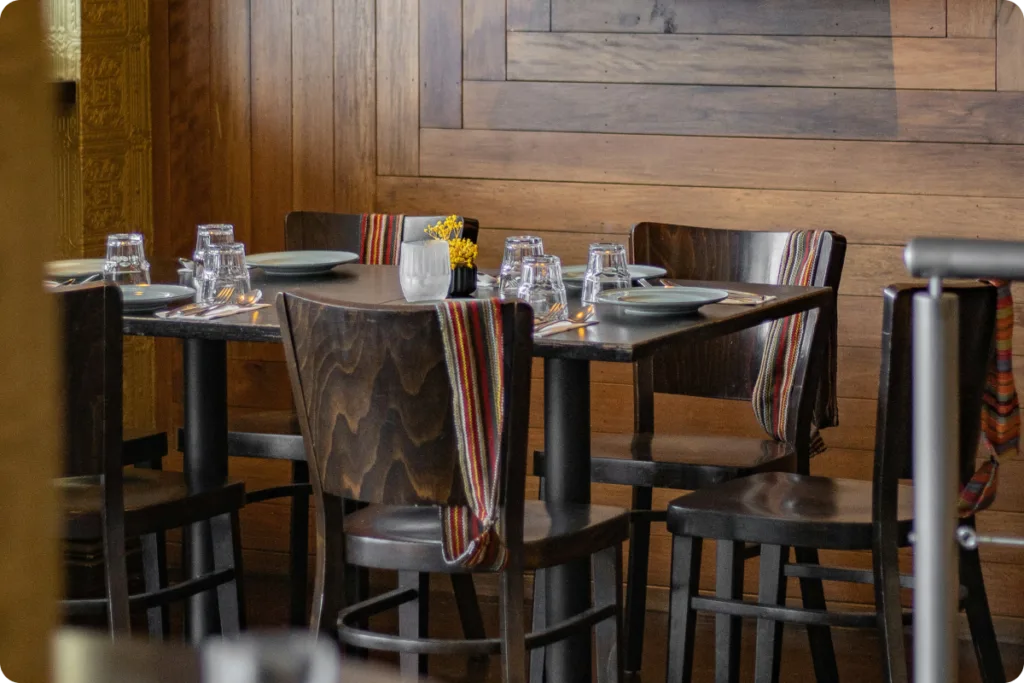
Table Management
Manage your dining area efficiently with interactive table management.
Kitchen Display System (KDS)
Reduce communication errors between front desk and kitchen.
Kitchen staff instantly receive:
taxation planning
Eiusmod tempor incididunt ipsum ut labore dolore magna aliqua. Ut enim minim veniam duisy ipsum sed quis.
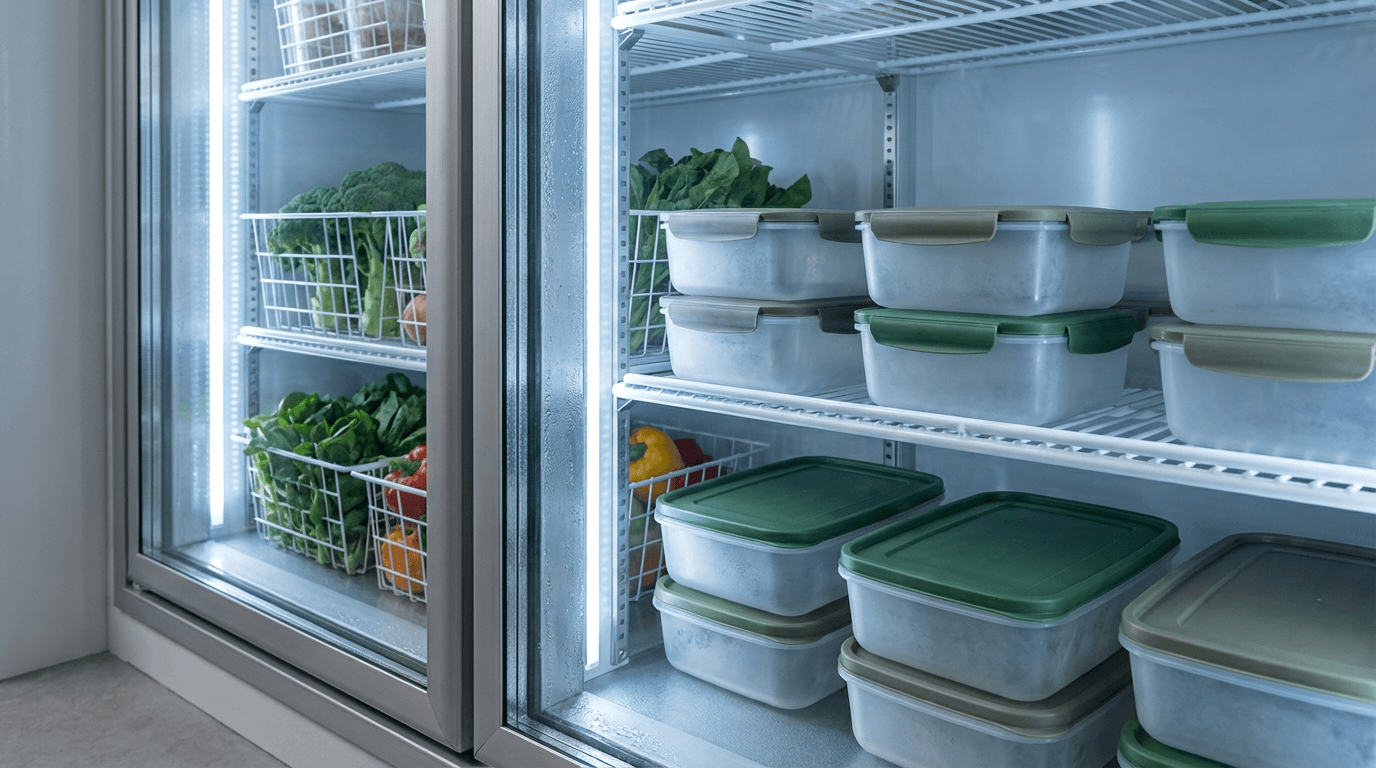
Inventory Management
Never run out of ingredients.
Track:
Order Management
Manage every order from a single dashboard.
Supports: